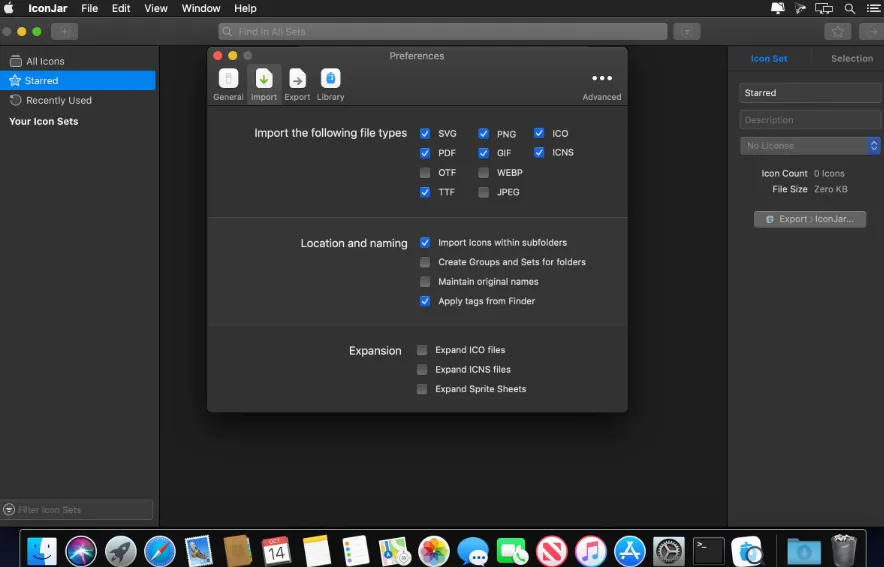
Designed to make the life of app developers and designers a little bit easier, IconJar is a lightweight and user-friendly icon organizer for your Mac.
In a few words, IconJar makes it as easy as possible for you to store large collections of icons under one roof and organize them efficiently, so they will always be within arm’s reach when you need them.
Everything feels natural and looks top notch thanks to a responsive and native macOS interface, with a Set panel on the left side, a tag panel on the right side, and a search bar on the upper right part of the main window.
Also noteworthy is the fact that IconJar enables you to customize the size of your icons and to view only Bitmap or only Vector types.
Features
Full compatability with macOS 10.15 Catalina
Our color picker now includes an eye-dropper tool
UI changes througout the whole app
You can now also change the color of gradients
You can now have IconJar search for, and clean up, duplicate icons
You can now filter your icon set list by keyword
We now link out to licenses from the inspector when a url for the license is provided
We now allow users to opt-in for beta releases
Trigger search with a keystroke with “always active search”
We have implemented basic Touchbar support for the grid
You can now sort the grid
You can choose to have the grid grouped by set or not
You can now drag icons and iconjar files directly into the set list for inplace adding
You can now drag out sets from the list and instantly create iconjar files.