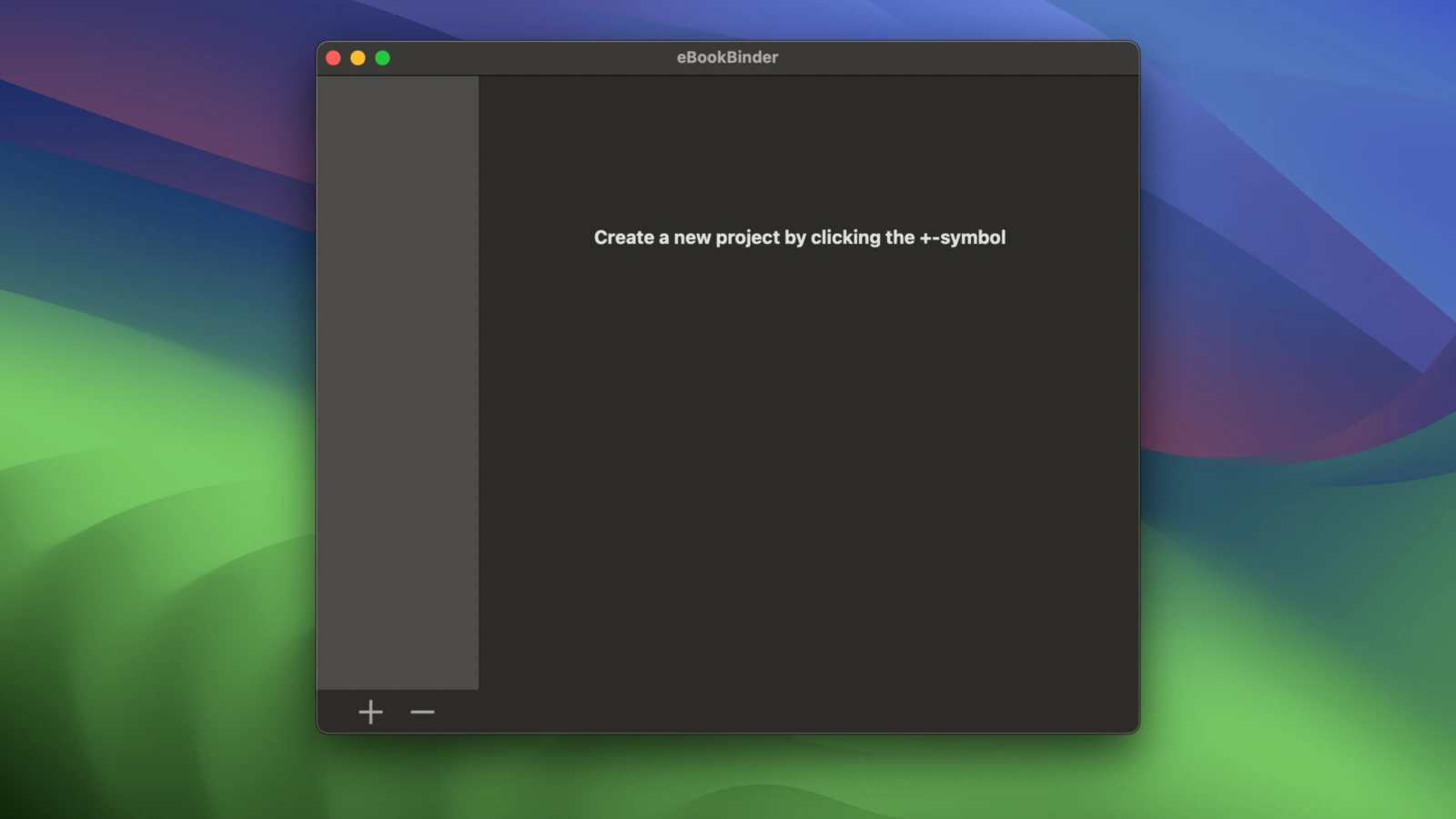
eBookBinder 1.13.0 for Mac
eBookBinder 1.13.0 for Mac Free Download
eBookBinder is a very simple tool for creating your own eBooks from existing documents. When compiling a book project, eBookBinder creates an .epub file.
To create your own eBook, you only need to complete three basic steps:
– Enter your book information. You can specify the book title and author, add a cover image, the publisher’s website, and other information. You don’t need to fill out all the fields; simply enter the title of your book.
– Add text files as chapters to your book project. Each text file you add to eBookBinder is treated as a single chapter. Name the chapters and arrange them by dragging and dropping them into the desired chapter sequence.
– Create your eBook. Simply click the “Bind Book” button, and eBookBinder will compile the eBook for you. That’s it!
How to install and activate?
Mount the image and launch Open Gatekeeper Friendly.
Press Enter to bypass Gatekeeper in the Terminal window.
Drag the application to the Applications folder.
The application is ready to use.