Hand Mirror 4.0.3 for Mac
Hand Mirror 4.0.3 for Mac Free Download
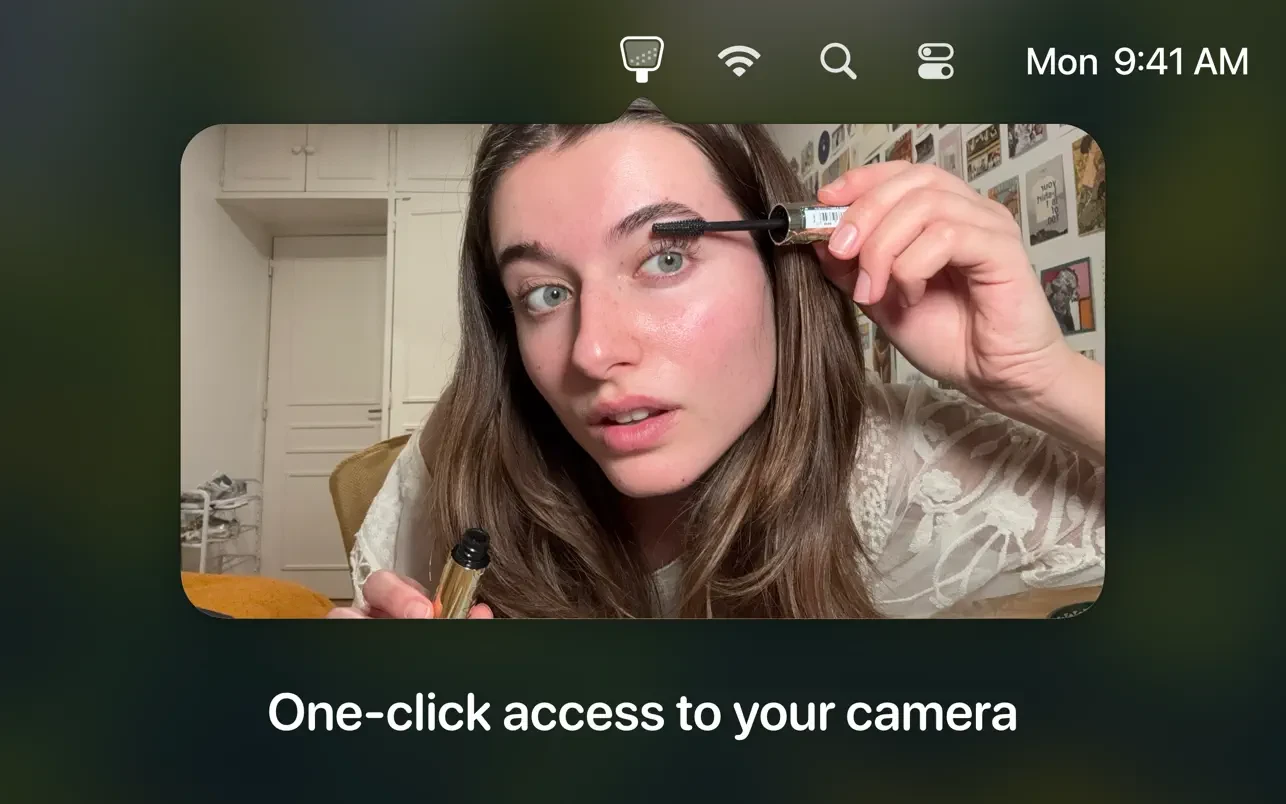
Hand Mirror is a minimalist app that lives in the menu bar and lets you instantly check your camera feed with a single click. It’s the perfect tool for preparing for video calls, streaming, and content recording.
The app offers window size adjustments, hotkeys, and a Notch Trigger feature for MacBooks with a notch.
Features:
• Lives exclusively in the menu bar – takes up minimal space.
• One click on the icon → instantly opens a preview from the webcam.
• Preview window settings: you can change the size, shape, position, and fix the window.
• Hot keys – for those who like to do everything from the keyboard.
• Notch Trigger is one of the coolest features for MacBooks with a notch: click in the area below or behind the notch → the camera immediately turns on. You can even hide the icon from the menu bar so it doesn’t take up any space—very elegant.
• Snaps – instant photos in Polaroid style + the ability to draw on top.
• Mic Check – checks the microphone level (very useful before calls).
• Custom application icons and menu bar.
• Other minor improvements.
How to install and activate?
Run the downloaded image and drag the application to the Applications folder shortcut.
Once copying is complete, the application can be launched via Launchpad.