ClickClack – Typing Trainer 3.6.2 for Mac
ClickClack – Typing Trainer 3.6.2 for Mac Free Download
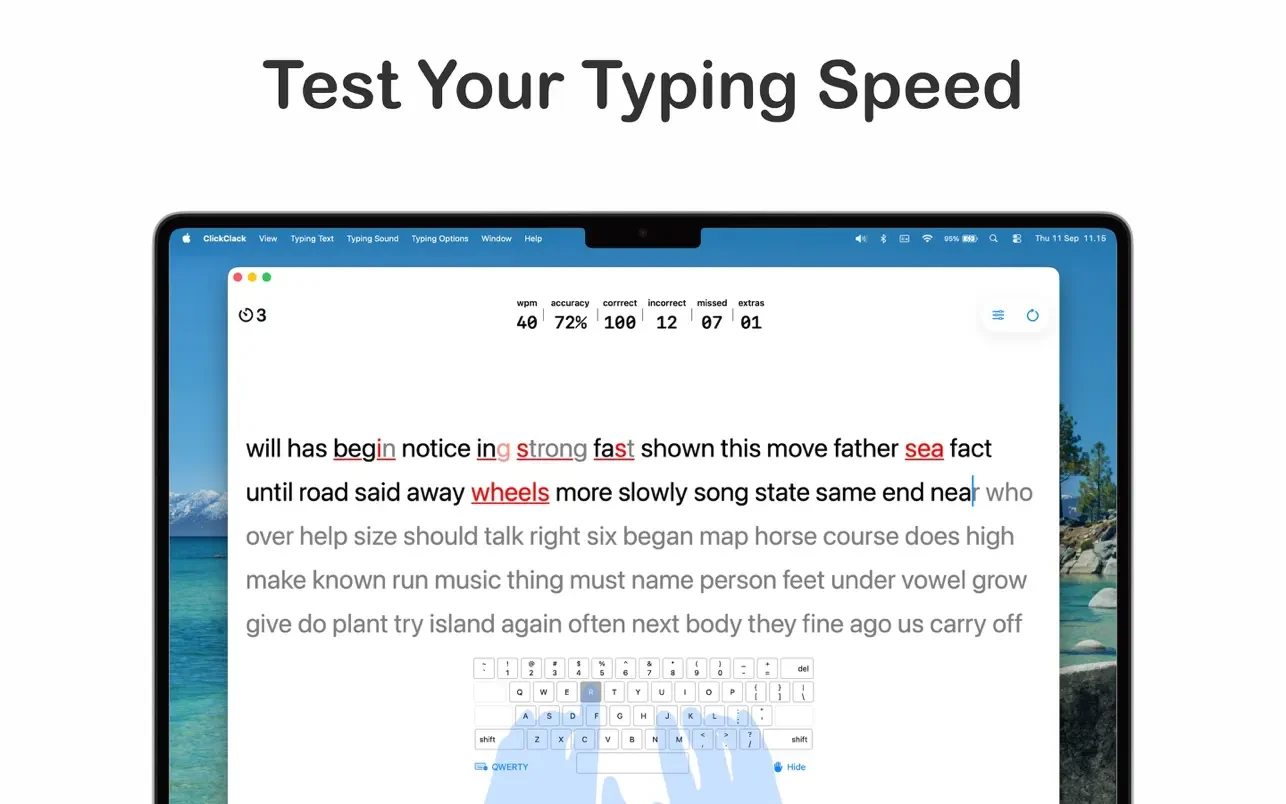
ClickClack is a touch typing trainer for learning and improving typing skills. It helps users increase their typing speed and accuracy, reduce errors, and master the ten-finger typing method.
Features:
• Interactive learning. Step-by-step lessons with gradual increase in difficulty: from basic keys to complex combinations and entire sentences.
• Adaptability. The system analyzes the user’s mistakes and pace, adjusting exercises to their individual level.
Various modes:
• Basic lessons on key zones;
• Timed training;
• A set of real texts (news, fiction);
• Special exercises for problematic combinations.
• Visual feedback. Key backlighting, color error indicators, keystroke animation.
• Statistics and progress. Detailed analytics: speed (characters per minute), accuracy (%), improvement dynamics, error map.
• Layout support. Works with Russian, English and other keyboard layouts.
• Game element. Achievement system, ratings, daily challenges for motivation.
Suitable for:
• Beginners who want to master touch typing.
• Office workers looking to increase productivity.
• Students and journalists working with large volumes of text.
• Gamers who improve their reaction time and finger coordination.
• Anyone who wants to reduce eye strain and speed up typing.
How to install and activate?
Run the downloaded image and drag the application to the Applications folder shortcut.
Once copying is complete, the application can be launched via Launchpad.