Typinator 10.0 for Mac
Typinator 10.0 for Mac Free Download
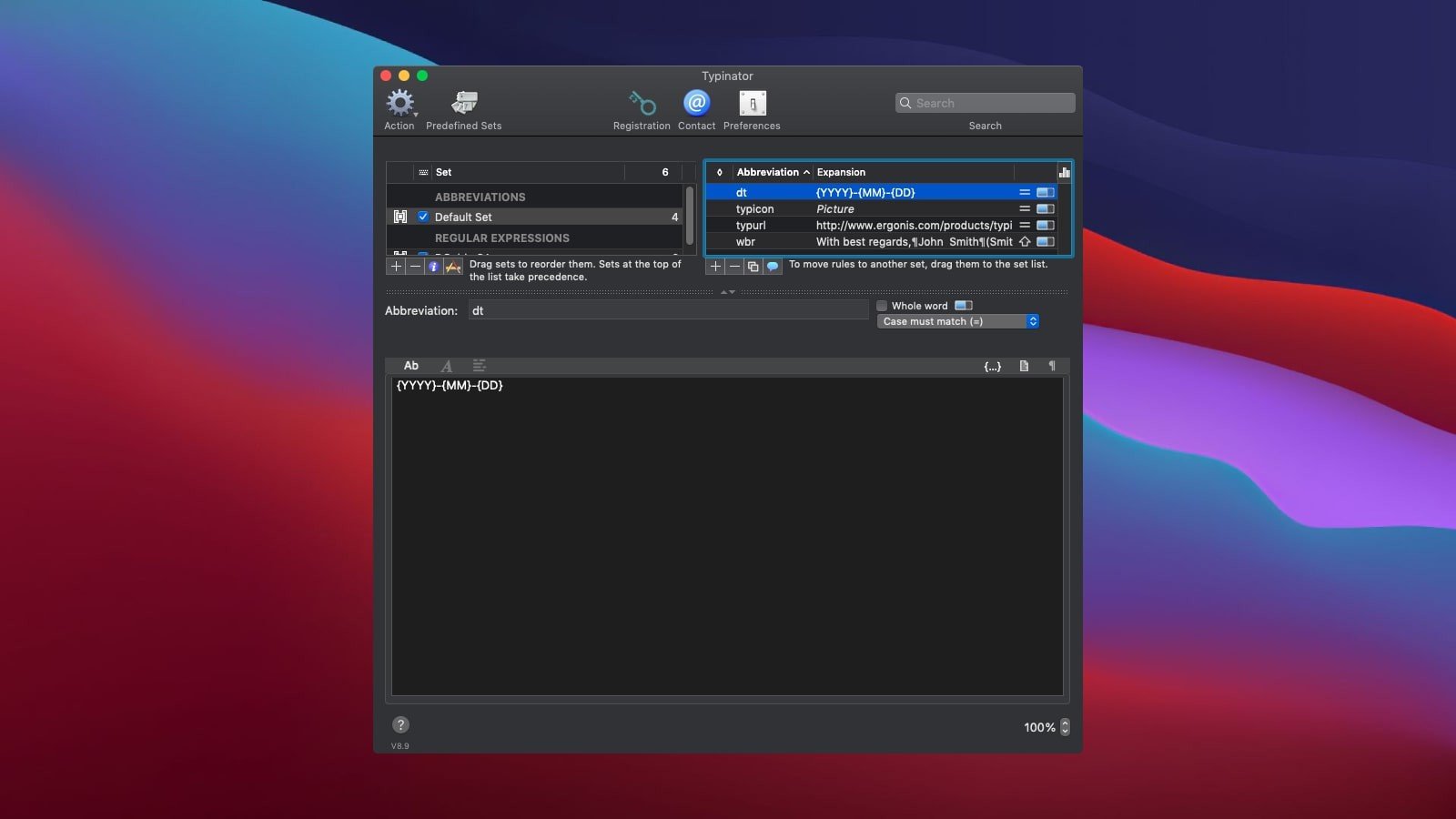
Typinator is a simple application that will save you time by inserting pre-prepared templates instead of the abbreviations you set.
For example, if you type “subp.” on the keyboard, the following will be automatically inserted instead:
First Name, Last Name,
Position
, Email, Phone Number
A great app for those who frequently enter the same information. It can insert both text and images. It also has built-in autocorrect tools, such as HTML snippets, typo corrections (English), and more.
You can use Typinator to…
Quickly enter greeting phrases.
Set up a list of standard text fragments to be used for email responses.
Insert the current date and/or time in any formats with a few keystrokes.
Automatic correction of the most common typos in all applications of the system as a whole.
Predefined sets of automatic correction, HTML, Filemaker functions.
Import from other typing utilities, including Textpander.
TextExpander, and TypeIt4Me.
Insert images, such as emojis or bullets.
Enter Unicode characters by typing a few regular special characters (for example, like -> to insert an arrow).
Define abbreviations for commonly used Unix commands.
Quickly create templates for code snippets if you’re a programmer, and more.
How to install and activate?
Run the downloaded image and drag the application to the Applications folder shortcut.
Once copying is complete, the application can be launched via Launchpad.